Areas
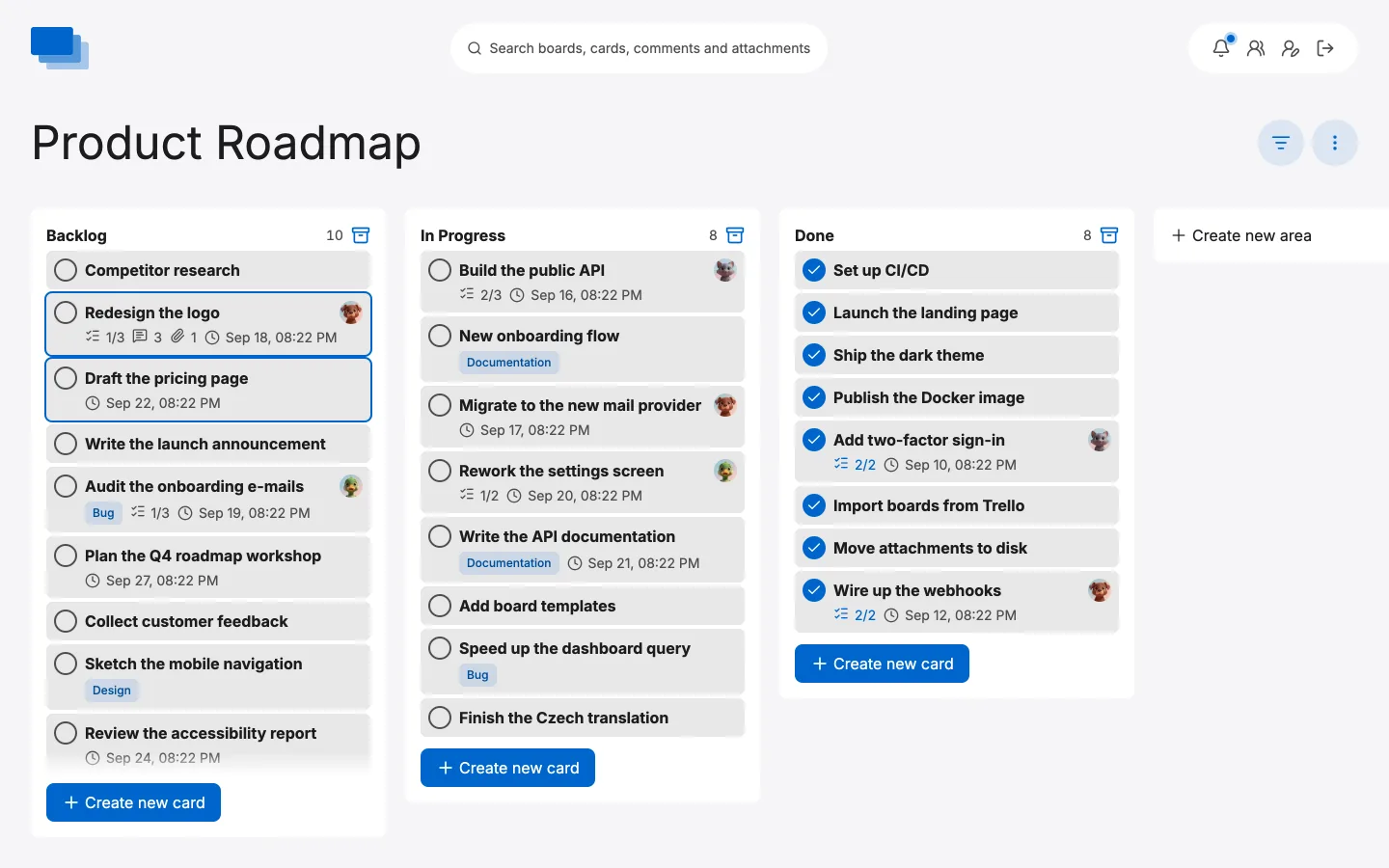
Areas are the columns of a board. Each one is a stage of the work — Backlog, In Progress, Done — and a card's area is its status. Moving a card is how work progresses.
Creating an area
Open a board and click Create new area at the right-hand end. Give it a name and it appears as the next column.
Name areas after the state a card is in, not the action somebody takes: "In Progress" tells you where the card is, "Start work" does not.
Renaming and deleting
Click an area's name to rename it in place. The bin icon in its header deletes it.
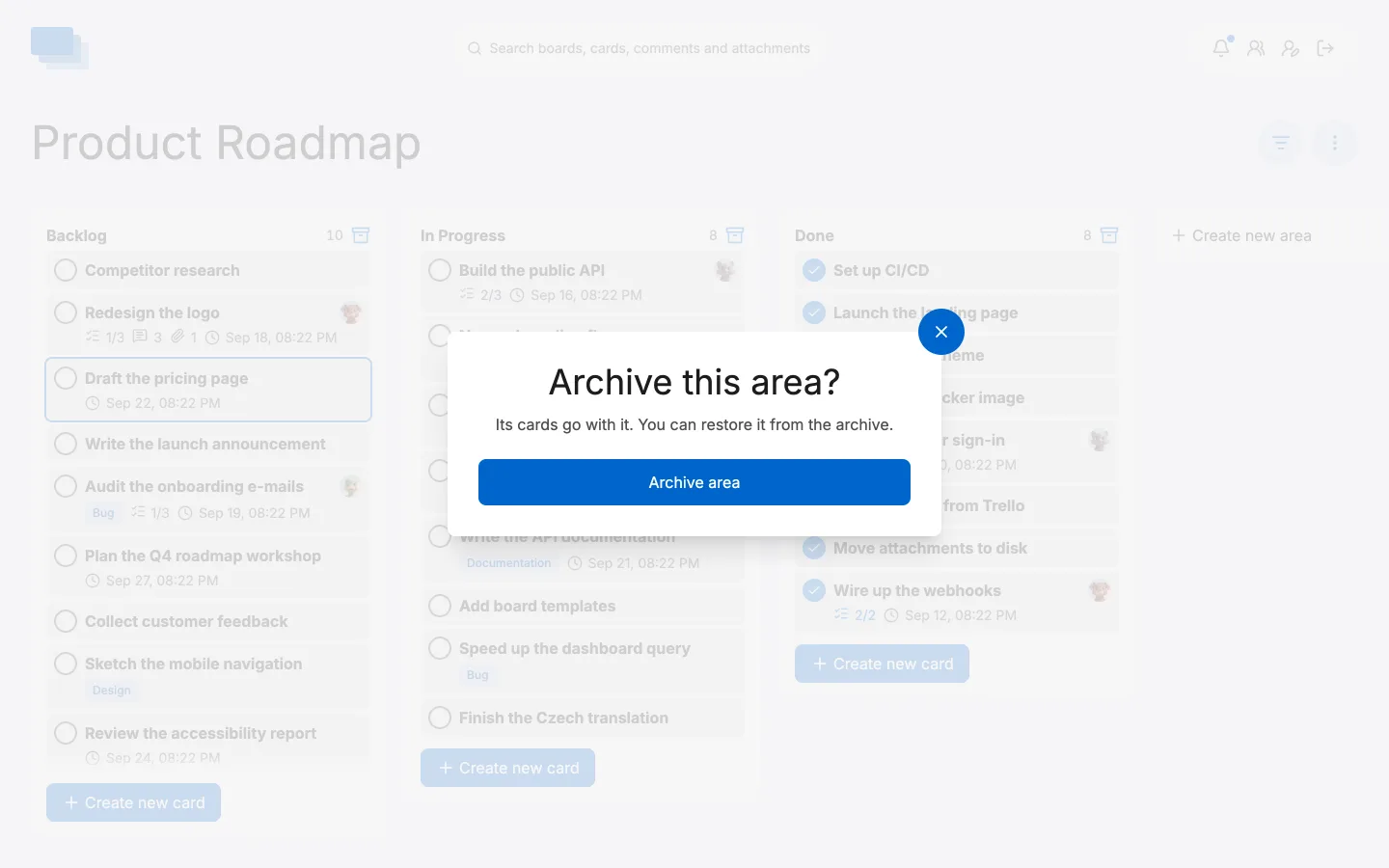
Deleting an area deletes the cards in it, so move anything you want to keep to another area first.
Moving cards between areas
Drag a card and drop it where it belongs — another area, or another position in the same one. It saves as you let go, and everyone else on the board sees it move at the same moment.
Columns or a list
A board can draw its areas two ways, and the switch is under ⋮ › Board options › Style:
KanBan stands the areas side by side. This is the one you want when work moves through stages and you care about where things are piling up — a Backlog with thirty cards and an In Progress with one tells you something at a glance.
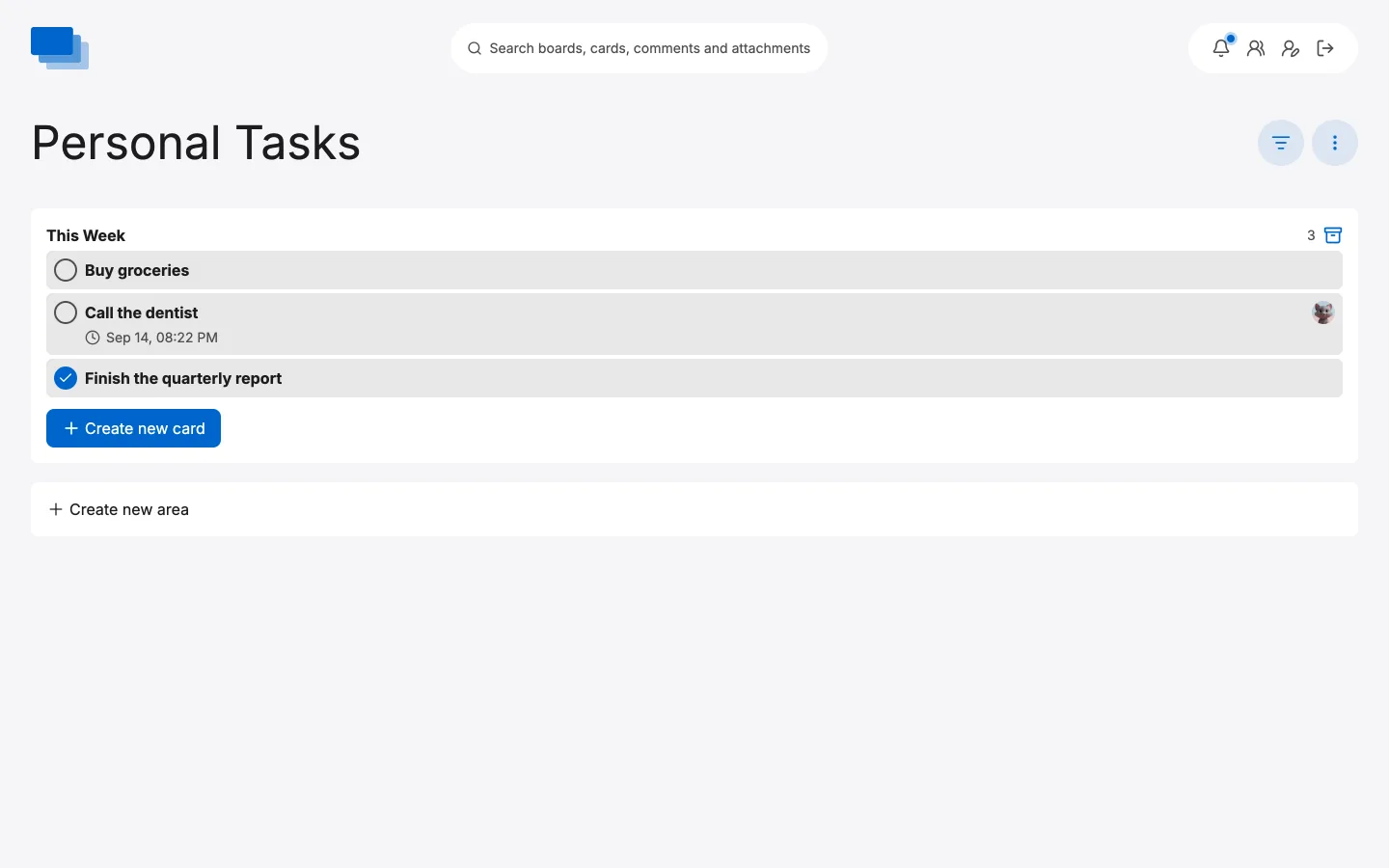
ToDo stacks the areas full width instead. This suits a board you simply work down rather than move things across: a personal list, a checklist for a launch, anything where the cards are not really travelling anywhere.
It is the same board and the same cards either way. The style is a property of the board, so switching it changes nothing but the view.
How many areas
Three or four is usually right. Every extra column is another decision about where a card belongs, and a board wide enough to scroll sideways stops being something you can take in at a glance — which is the whole point of a board.